iApp Core API — ดึงรายงานการใช้งานและยอดเครดิตเป็น JSON ไปสร้าง Dashboard ของคุณเอง

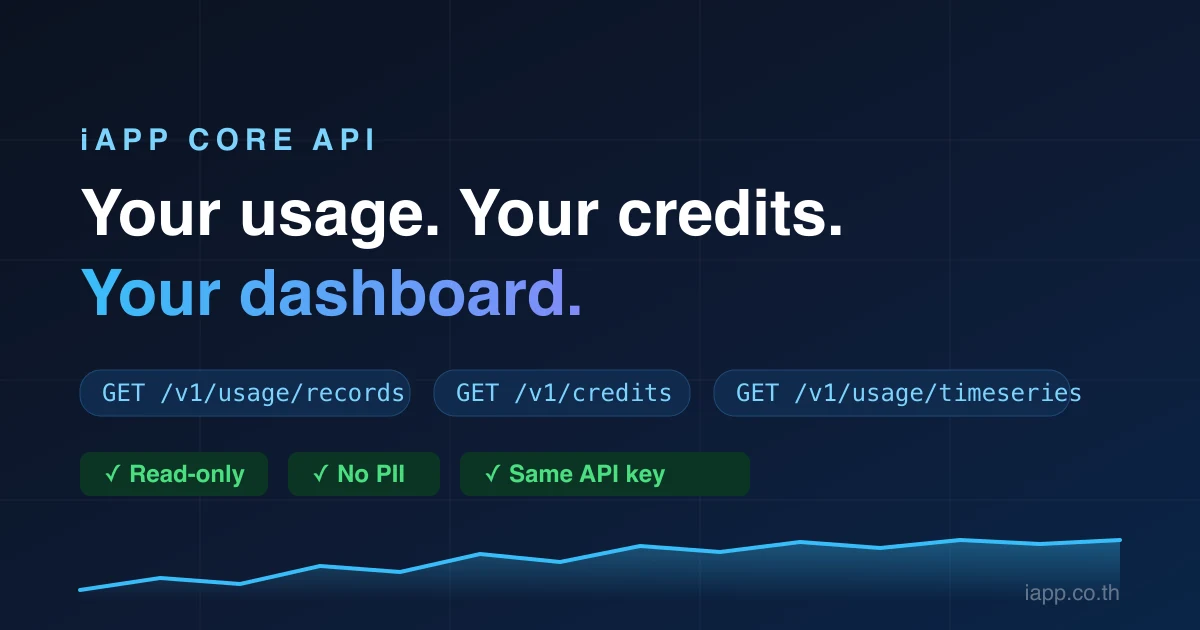
คำถามที่เราได้ยินบ่อยที่สุดข้อหนึ่งคือ "ขอดึงข้อมูลการใช้งานออกจาก dashboard ไปเข้าระบบของเราเองได้ไหม?" — ตอนนี้ได้แล้ว Core API ตัวใหม่เปิดข้อมูลรายงานการใช้งานและยอดเครดิตของบัญชี iApp ของคุณเป็น JSON แบบอ่านอย่างเดียว ให้คุณสร้าง dashboard ระบบแจ้งเตือน หรือรายงานค่าใช้จ่ายแบบที่ทีมของคุณต้องการจริง ๆ ด้วย API key ที่มีอยู่แล้ว
ดึงอะไรได้บ้าง
GET /credits— ยอดเครดิตคงเหลือแบบ real-timeGET /usage/summary— จำนวนคำขอรวม เครดิตที่ใช้ อัตราสำเร็จ และ latency ของช่วงเวลาใดก็ได้GET /usage/timeseries— ข้อมูลแบ่งช่วงราย ชั่วโมง/วัน/สัปดาห์/เดือน พร้อมป้อนเข้ากราฟGET /usage/services— แยกตามบริการ: คำขอ เครดิต latency อัตรา errorGET /usage/records— log การเรียกรายรายการ พร้อมตัวกรอง (ช่วงวันที่ บริการ method สถานะ ค่าใช้จ่ายขั้นต่ำ) การเรียงลำดับ (เวลา เครดิต latency สถานะ) และการแบ่งหน้าสูงสุด 1,000 แถวต่อหน้า
ทั้ง integration มีแค่ header เดียว:
curl "https://iapp.co.th/api/core/v1/usage/summary?startDate=2026-08-01" \
  -H "apikey: YOUR_API_KEY"
ตัวอย่างการใช้งานจริง
** แจ้งเตือนเครดิตใกล้หมด** — cron job ห้าบรรทัดที่แจ้ง Slack ก่อนเครดิตหมด แทนที่จะมารู้ตัวจาก HTTP 402
** Dashboard ค่าใช้จ่ายของทีม** — ดึง /usage/timeseries เข้า Grafana หรือ Google Sheets แล้วเห็นชัดว่า batch job วันไหนทำให้บิล OCR พุ่งเป็นสองเท่า
** คิดเงินลูกค้าเป็นรายโปรเจกต์** — เอเจนซีที่ใช้ iApp API หลายโปรเจกต์ ใช้ key แยกต่อโปรเจกต์ แล้วแยกค่าใช้จ่ายจาก prefix ของ key ในแต่ละแถวของ /usage/records
** ตรวจจับ error** — /usage/records?statusClass=4xx&sortBy=timestamp คือ error log ระดับ API ของคุณ พร้อมส่งเข้าระบบ observability ที่ใช้อยู่
ปลอดภัยโดยการออกแบบ
เราสร้างสิ่งนี้มาเพื่อคนขี้ระแวง (ซึ่งเป็นคำชม):
- อ่านอย่างเดียว ทุก endpoint เป็น
GET— ต่อให้ key หลุด ก็สร้าง key ใช้เครดิต หรือแก้ไขบัญชีผ่าน API นี้ไม่ได้ - ไม่มีข้อมูลส่วนบุคคล (PII) ผลลัพธ์มีเฉพาะข้อมูลเชิงเทคนิค — เวลา, path, สถานะ, เครดิต, latency — ไม่มีชื่อ อีเมล user ID ที่อยู่ IP หรือเนื้อหาคำขอของคุณ query string ถูกตัดออกจาก path และ API key แสดงเพียง 8 ตัวแรก ดังนั้นต่อให้รายงานหลุด ก็ไม่มีอะไรอ่อนไหวหลุดตาม
- ข้อมูลของคุณเท่านั้น ไม่มีพารามิเตอร์ใดที่เข้าถึงบัญชีอื่นได้
- จำกัดอัตราเรียก 120 คำขอ/นาที ต่อ key — เกินพอสำหรับ dashboard ปกติทุกแบบ
และฟรี: การเรียก Core API ไม่หักเครดิต
มี Postman Collection ให้พร้อมใช้
ไม่อยากเขียน request เอง? นำเข้า Postman collection สำเร็จรูปของเรา — ครบทั้ง 6 endpoints พร้อมตัวอย่างตัวกรองแบบเปิด/ปิดได้ และชุดทดสอบในตัว 51 ข้อ (รวมถึงการตรวจอัตโนมัติว่าไม่มี PII และไม่มี API key เต็ม ๆ โผล่ในผลลัพธ์):
นำเข้า collection กับ environment แล้ววาง API key ลงในตัวแปร apikey จากนั้นรันทั้งชุดด้วย Collection Runner ได้เลย
ถูกมอนิเตอร์และโปร่งใส เหมือนบริการอื่นของเรา
Core API เข้าร่วมหน้า status สาธารณะของเราในกลุ่ม Core Services — health check ทุก 5 นาทีชุดเดียวกับ AI API กว่า 60 ตัว — และแสดงอยู่บนหน้าสถิติแบบสดร่วมกับบริการทั้งหมดของแพลตฟอร์ม
เริ่มได้ใน 60 วินาที
- เอา API key จาก API Key Management
curl https://iapp.co.th/api/core/v1/ping -H "apikey: YOUR_KEY"- อ่านเอกสารฉบับเต็ม — พารามิเตอร์ทั้งหมด ตัวอย่าง Python และ Node.js พร้อม dashboard เริ่มต้น 20 บรรทัด